

"Software is a great combination between artistry and engineering." -Bill Gates
Thanks to computers, we have accomplished beautiful things that allow us to save time and feel more connected to one another. For instance, because of the combination of software, hardware, and the internet, we can easily do online booking, book movie tickets in a matter of seconds, and communicate with our friends and family that are miles and miles away.
Computer engineers have used their technological abilities to create software that is used by millions around the world. Although we don't know all the eccentricities and details of crafting software, we are thankful that they exist. But, what software systems are worthy of our time and attention as computer users?
Well, we could go on and describe all of the available software; however, to save time, in today's article, we shall focus on two specific software: Adobe Illustrator and Photoshop. We'll look at how they are different from one another and how they help individuals complete photoshop tasks quickly and effortlessly.


What is Adobe Illustrator?
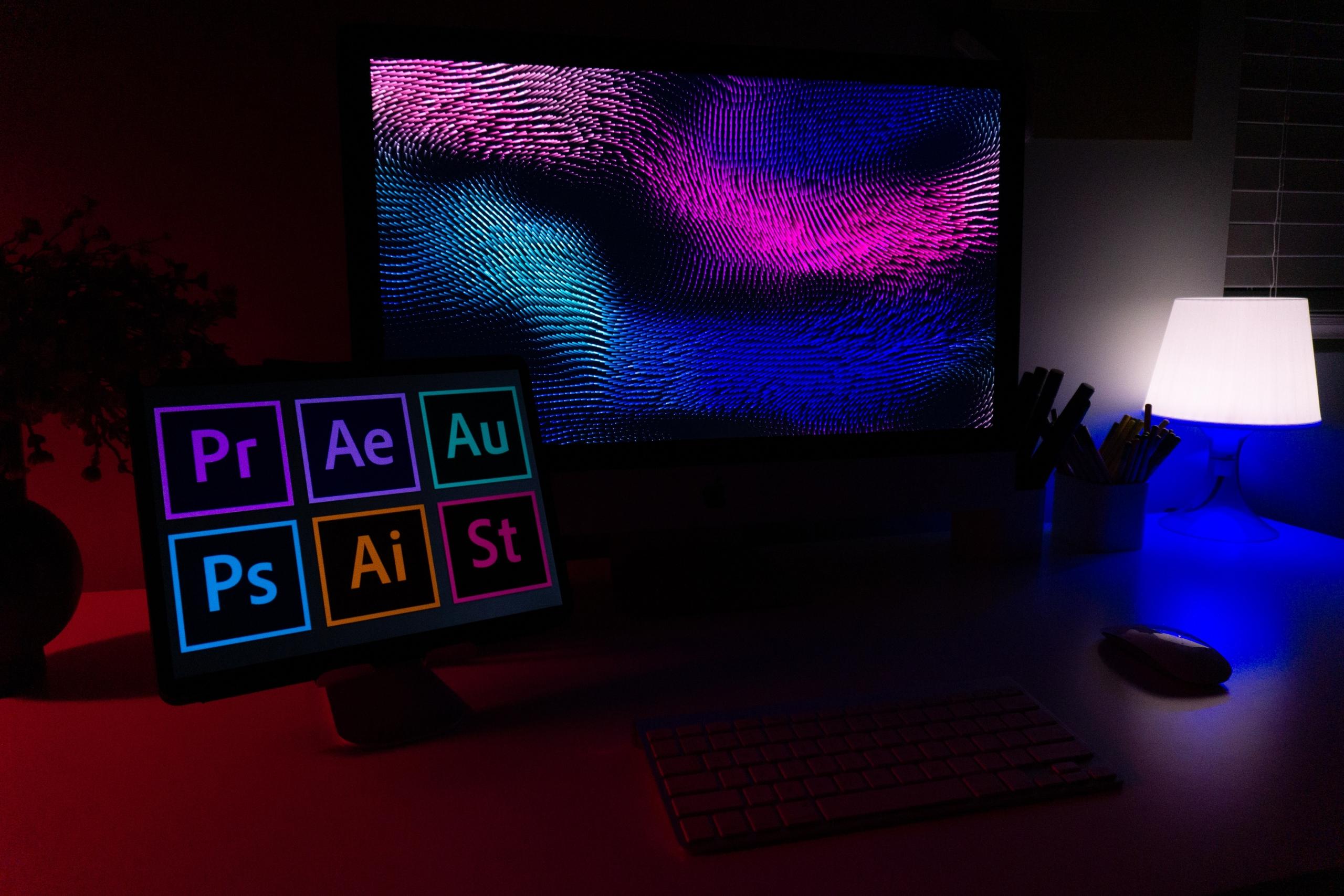
Initially designed in the 1980s for the Apple Macintosh computer, Adobe Illustrator was released in 1987 by Adobe yet started development in 1985. The release of Adobe Illustrator came at the same time as Creative Cloud.
Adobe Inc. has since updated Adobe Illustrator throughout the years, and now it is available to users in its 2022 edition.
Adobe Illustrator is written in the computer programming languages of C++ and ActionScript. The motto or catchphrase of Adobe Illustrator is "Design Anything, Anywhere." Which shows users the overall diversity and user-friendliness of Adobe Illustrator. But, what exactly is Adobe Illustrator used to make it a special computer software?
It's important to state that Adobe Illustrator is used for creations such as the following:
- Create logos,
- Design promotional or branded content,
- Create interesting icons,
- Make website graphics,
- Design digital artwork.
All of the previously mentioned tasks are usually completed using Adobe Illustrator by persons who work in graphic design, marketing, advertising, and brand design.
Individuals in the field of graphic design and marketing prefer to use Adobe Illustrator in comparison to other software because it boasts the following unique features:
- The ability to draw freehand with a variety of digital drawing utensils,
- Advanced colour options for creating colour palettes, filling shapes, mixing different colour effects, etc.,
- Layers feature that allows you to split the components of your design across different layers,
- A grid feature with anchor points that will enable you to align shapes and lines accurately easily,
- Cloud libraries where you can gather and store all of your design assets for a project such as colours, brushes, graphics, text, and character styles in one place,
- A library of many available fonts so you can find the perfect font types to use for your projects,
- Tools to quickly create geometric shapes, adjust curvatures, and manipulate lines.
Though working professionals mainly use it, it isn't out of place to hear that persons utilise Adobe Illustrator for their passion projects in art, photography, and design.
What is Abobe Photoshop?
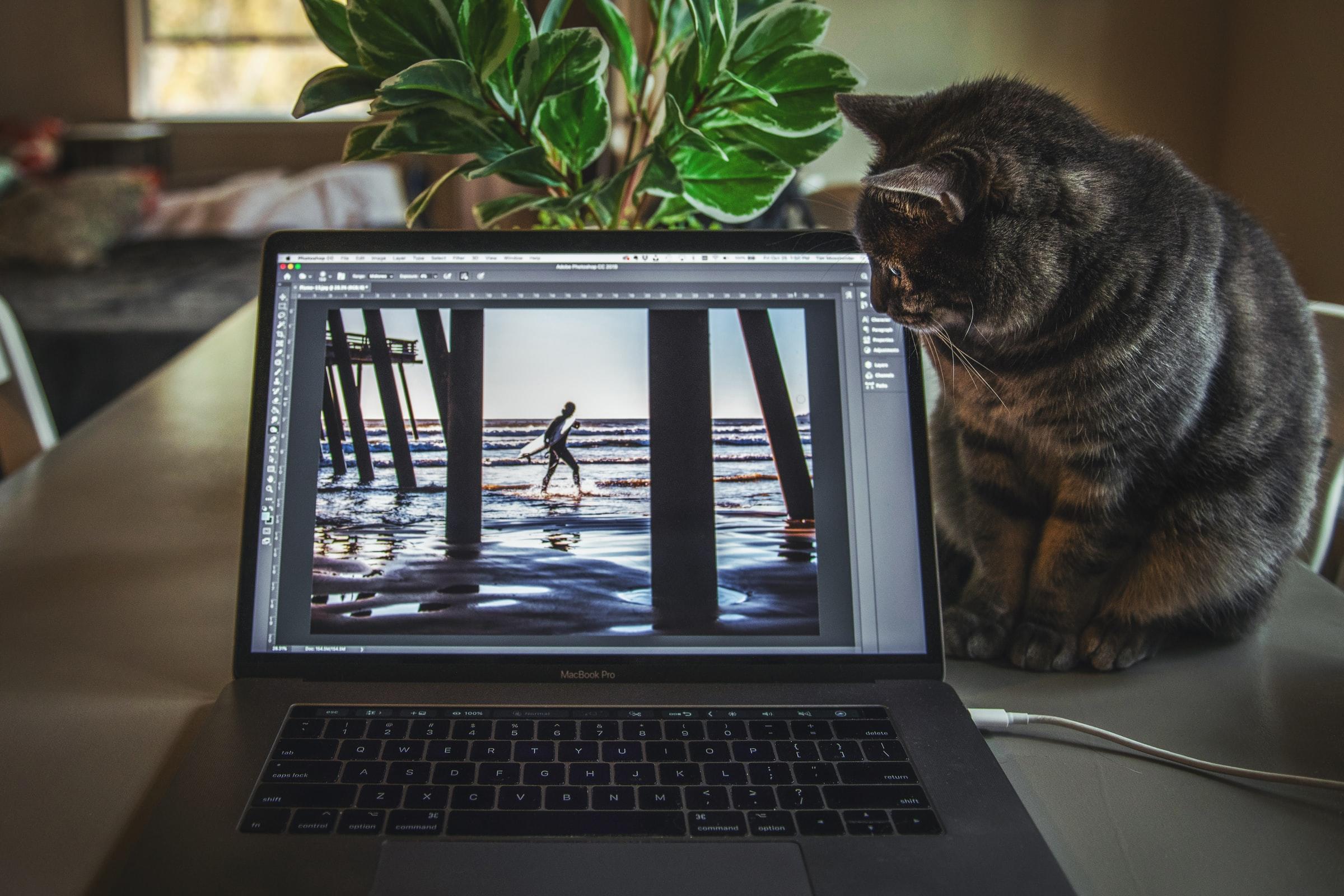
Now that we've covered the basics and general uses of Adobe Illustrator let's concentrate on another brilliant software from Adobe known as Photoshop. Adobe Photoshop was released in 1990 by Adobe Inc. as a raster graphics editor published for use on Windows and Mac computers. Development for Adobe Photoshop started in 1988 by Thomas and John Knoll for Adobe.
Fun fact: Adobe Photoshop is currently available in 26 international languages.
The most recent version of Adobe Photoshop is 23.1 and was "stable released" on December 14, 2021.
Since its creation in 1990, Adobe Photoshop has become a leading software in raster graphics editing and digital art as a whole. It's hard to imagine utterly digital art projects without mentioning or using Adobe Photoshop in today's world.
It's worth mentioning that creating complex images is not the sole purpose of Adobe Photoshop since there are many more. Such as? The list below highlights some of the fundamental sectors where Adobe Photoshop is currently used:
- Photography,
- Graphic Design,
- Illustration,
- Motion Design,
- Product Design.
Projects such as website design, drawing virtual images, editing photos, creating realistic packaging examples, developing mobile apps, redecorating the interior of public or private spaces, and designing logos are just some of the projects that are completed using Adobe Photoshop software.
Learning to use Adobe Photoshop is mainly done by those who have a career in the creative or digital sector; nonetheless, that shouldn't detract curious artists from trying their hand at using Adobe Photoshop.
Also, as the name suggests, Adobe Photoshop is mainly used to edit and adjust photographs to make them more appealing for a person's public or private life.
To pique the intrigue of readers even more, the following list highlights some of the indispensable and lauded features of Adobe Photoshop that users should know about:
- Layers,
- Selection Tools,
- Pen Tool,
- Shapes,
- Vector Mask,
- Retouching Tools,
- Photoshop 3D,
- Smart Objects.
Take a look at the free Adobe Photoshop tutorials, look at informative YouTube videos, or consult the assistance of a tutor to learn more about any of the previously mentioned features.
Determining Which Photoshop Software is Best: Adobe Illustrator or Photoshop?
Since we've mentioned and discussed the necessary aspects of Adobe Illustrator and Adobe Photoshop, is it possible to decide which photoshop software is best? First, it's important to state that saying which photoshop operating system is the best in the business is almost unfathomable since there are so many factors to consider. Such as? The list below mentions a few:
- What you wish to accomplish,
- The operating software on your computer,
- Your budget,
- Your technological abilities.
Therefore, claiming which software is better is based on your personal use. Nonetheless, to determine which software is best for YOU, you need to compare Adobe Illustrator and Adobe Photoshop head to head.
First and foremost, Adobe Illustrator is based on vectors, and the way the software produces them reveals better, cleaner graphical illustrations. Then, based on the type of illustrations you have, Adobe Illustrator is extremely precise and creates extendable digital images and can be easily reused.
Secondly, Adobe Photoshop is the gold standard for images; therefore, it is most highly recommended for photo-based illustrations that can be created. If you need to alter a picture and complete, precise photo manipulation, there is no better software than Adobe Photoshop. It's worth stating that Photoshop uses pixels instead of vectors, allowing perfect photo editing.
So, when photo editors or illustrators decide upon which software systems to use, they usually utilise both of them since there are unique characteristics of Illustrator and Photoshop that complement the process of creating digital art. You could say that there is no particular Adobe Inc. program and that between Adobe Photoshop and Illustrator, it's a draw!
Hiring a Tutor to Learn More About Abobe Photoshop and Illustrator
Whether you're learning to knit or wanting to study the basics of biology, you'll need academic guidance and instruction to be successful. While some persons attend educational institutes, more intelligent individuals resort to private tutoring with a qualified educator.
Private tuition allows students to receive personalised attention from their teacher, which permits them to thrive academically and receive great tips and tricks that are unavailable anywhere else.
So, if you're learning to use photoshop software such as Adobe Photoshop or Illustrator, it's in your best interest to hire a private tutor. But, where does one find an engaging, experienced, and well-educated photoshop instructor in the UK? The answer is simple: Superprof.
Boasting more than 17 million tutors worldwide that specialise in teaching 1000+ academic disciplines and topics of interest, Superprof is a force to be reckoned with. The list below mentions some of the best reasons to take lessons with a Superprof to master photoshop:
- Affordable tuition,
- An easy to use lesson booking software,
- A variety of entertaining and educational tutors,
- A fantastic tutor/student support staff that is ready to answer any questions you may have,
- The possibility to learn either through in-person or virtual classes.
Also, it's worth stating that, in most cases, the first lesson with a new tutor is 100% free of charge; that's a mighty lovely welcome!
In conclusion, whether you decide to complete photoshop lessons using Adobe Illustrator or Adobe Photoshop, you are embarking on the acquisition of a new hobby that you will thoroughly enjoy.
Summarise with AI:
Did you like this article? Leave a rating!

 Loading...
