
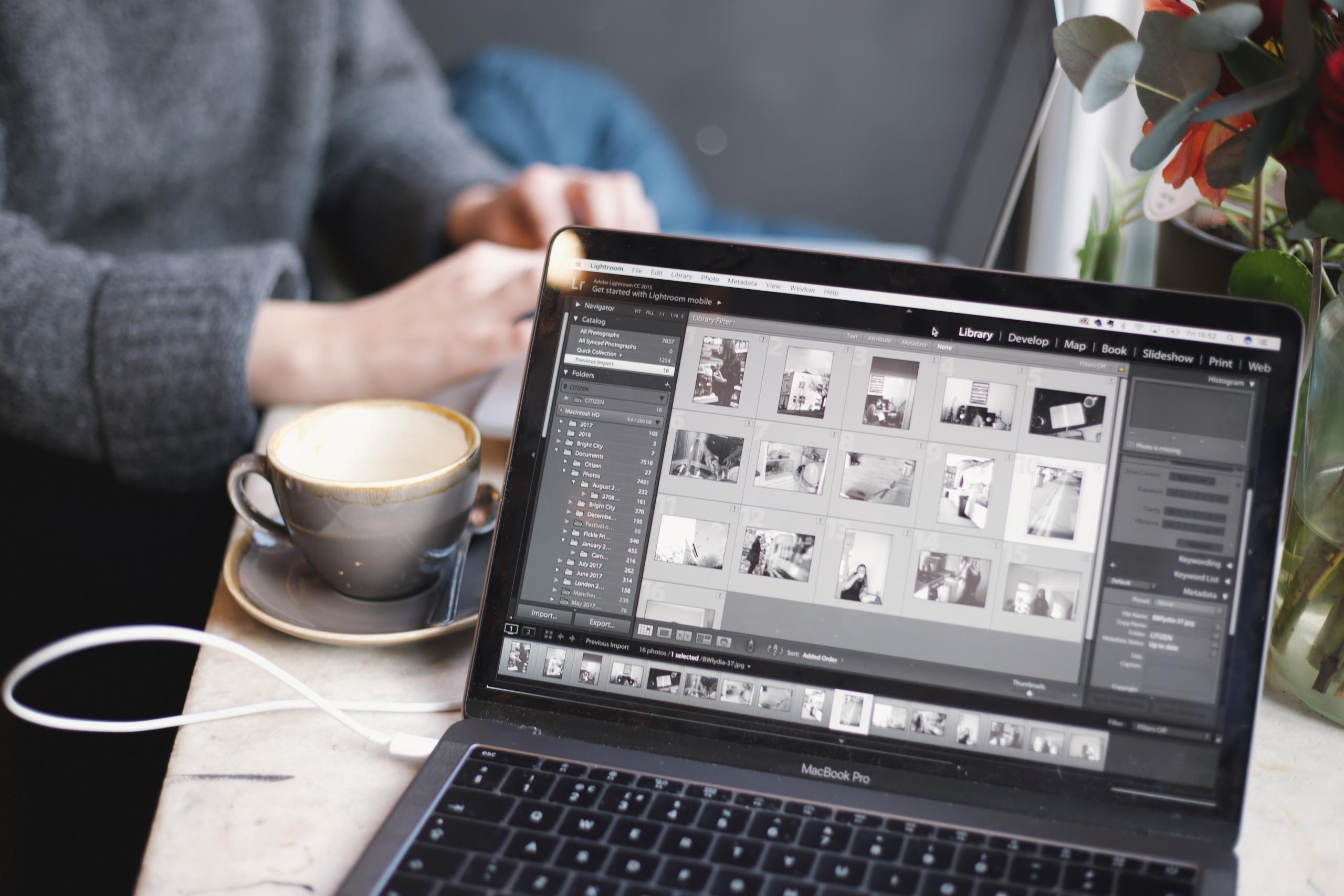

"Photography is the story I fail to put into words." -Destin Sparks
Although there are many different art forms and ways to express yourself artistically, it's worth stating that photography remains one of the most popular. Where words fail to describe how a person may feel in a specific moment, photography captures an instant in time to help a person or group of people remember it forever.
Though most individuals take pictures while on vacation and during extraordinary times, others enjoy photography as a hobby and progressively increase their skills over a few months or years.
As told by famous photographers, there are some keys to becoming better at photography and making pictures stand out. Such as? High-quality camera equipment, good lighting, and photoshop.
In today's article, we'll focus more of our attention on photoshop and the different software systems that can be used to edit and add effects to photos. But, first, let's analyse both Adobe Lightroom and Adobe Photoshop and conclude which one is better.


What is Adobe Lightroom?
In a world where there are countless computer software systems created that are claimed to make our lives easier, a few stand out as superior compared to others. Such as? Well, it's worth stating that that depends on your professional or personal life and what you need to have accomplished. However, it goes without saying that if you're enjoying a career in digital arts, the software created by Adobe is a force to be reckoned with.
Products such as Adobe Illustrator, Adobe Lightroom, and Adobe Photoshop have significantly helped those working in marketing, web design, and digital art expand their careers.
But, with so little time and so many Adobe software products to choose from, the question arises: why should I learn Adobe Lightroom? First and foremost, Adobe Lightroom is a creative image organisation. Innovative image manipulation software created in the 2010s by Adobe Inc. Adobe Lightroom was officially released in September 2017 and has been modified slightly since its original introduction to the world of digital art.
Adobe Lightroom is part of the Creative Cloud subscription family that includes the following additional software systems:
- Acrobat,
- Aero,
- Animate,
- Audition,
- Dreamweaver,
- Illustrator,
- Photoshop,
- Prelude,
- Spark Video,
- Stock.
Adobe Lightroom is one of the newest Adobe Inc. products that can edit images and create visually stunning representations of things used for commercial or private use. Lightroom is supported on computer systems such as Windows, macOS, and Android.
The primary uses that are associated with Adobe Lightroom are the following:
- Importing,
- Saving,
- Viewing,
- Organising,
- Tagging,
- Editing,
- Sharing.
All of the previously mentioned tasks are associated with large digital images. Professionals such as graphic designers, photographers, and those working in online marketing commonly use Adobe Lightroom to facilitate their work responsibilities when it comes to photos.
Also, if you're still wondering what Abobe Lightroom is used for and if it's a good idea for you, the list below mentions some editing functions that are well-received and praised by past and current users of Lightroom:
- White balance,
- Presence,
- Tone,
- Tone curve,
- HSL,
- Colour grading,
- Detail,
- Lens corrections,
- Calibration manipulation,
- Spot removal,
- Red-eye correction,
- Graduated filters,
- Radial filters,
- Adjustment brushing.
There's no beating around the bush; Abode Lightroom helps individuals get the job done!
What is Adobe Photoshop?
Now that we've carefully examined Adobe Lightroom, let's look at arguably the most popular software produced by Adobe Inc., Adobe Photoshop. Released in 1990 by Adobe Inc. as a raster graphics editor published for use on Windows and Mac computers, development for Adobe Photoshop started in 1988 by Thomas and John Knoll for Adobe.
Adobe Photoshop is a leading software in raster graphics editing but in digital art as a whole. Without the valuable functions of Adobe Photoshop, it isn't easy to imagine completing digital art projects. The list below highlights some of the fundamental sectors where Adobe Photoshop is currently used:
- Photography,
- Graphic Design,
- Illustration,
- Product Design.
Creating projects such as website design, drawing virtual images, editing photos, developing mobile apps, and designing logos are made much easier for professionals in digital art thanks to Adobe Photoshop.
As most persons might suspect by reading the name alone, Adobe Photoshop was created to aid photographers to edit their pictures and making them stand out from the crowd. Not only photographers but all types of individuals working across different sectors appreciate the following features:
- Layers,
- Selection Tools,
- Pen Tool,
- Shapes,
- Vector Mask,
- Retouching Tools,
- Photoshop 3D,
- Smart Objects.
Are you still having a hard time deciphering all of the MANY functions of Adobe Photoshop? If so, we remarkably suggest looking at YouTube videos that explain things thoroughly or taking advantage of the Adobe Photoshop tutorials that are free of charge.
But, what if you only have the time to learn one Adobe software to photoshop images and create visually appealing work? Should you choose Lightroom or Photoshop? Let's find out the answer by looking at the following subheading.
Lightroom vs Photoshop: Which One Should I Learn?
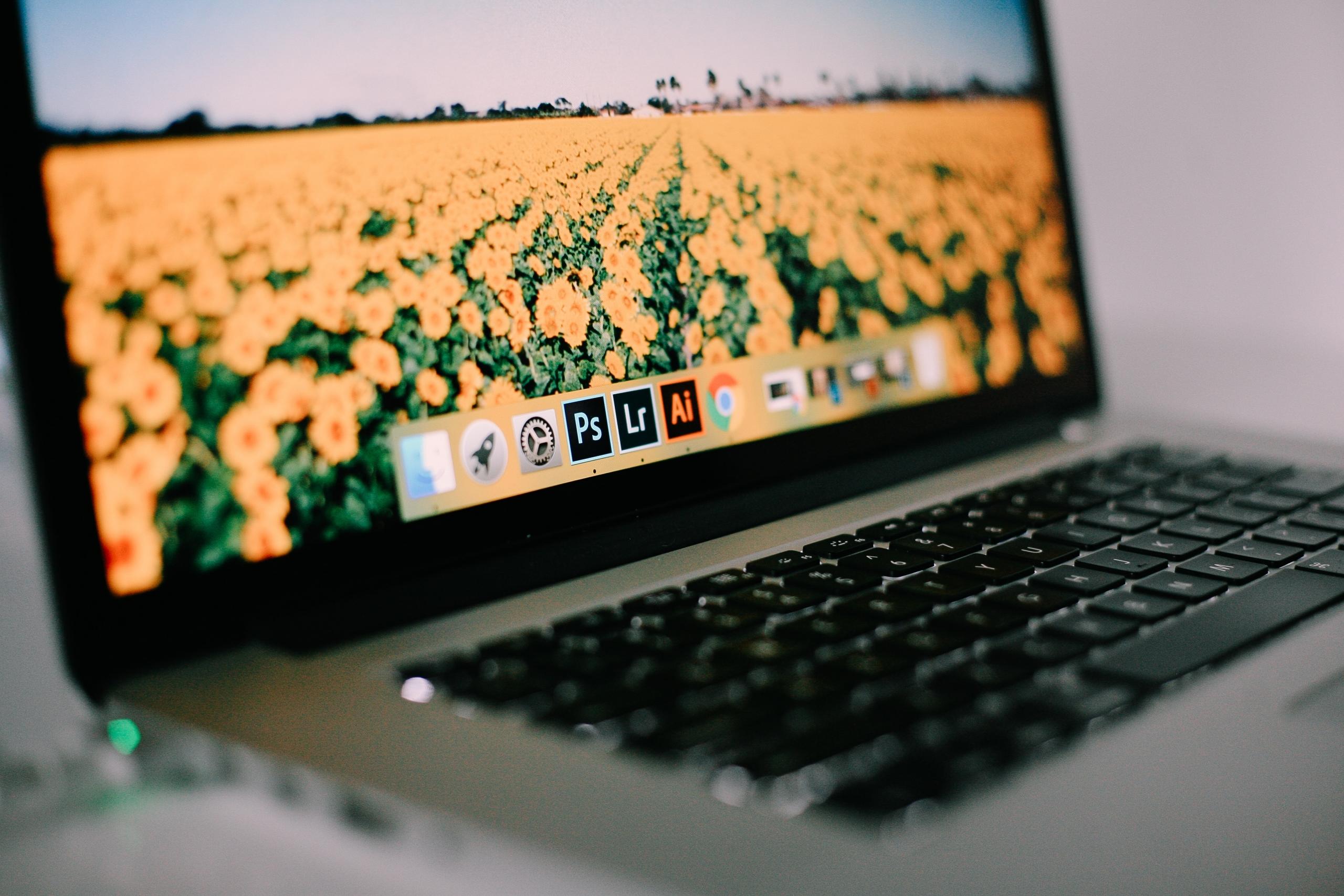
We're all pressed for time, and it's simply impossible to do everything that we might want to do. However, time is our cruel enemy, and we must compromise at times. One of those compromises or choices is using Adobe Lightroom and Adobe Photoshop. Thankfully, many decision guides help users decide between using Lightroom and Photoshop for their artistic projects.
It's worth stating that it's nearly impossible to say that one Adobe product is better than another since they are used to completing significantly different tasks. However, a head-to-head comparison allows individuals to decide to see which Adobe software will be best for their needs.
For instance, while Lightroom can be a "one-stop-shop" for many creative professionals, it's best for those who want to organise and edit their photos. Whereas, on the other hand, Adobe Photoshop is the bee's knees when it comes to manipulating images and accomplishing specific tasks such as retouching and layers.
Take your time to analyse both Adobe programmes to select which one you should learn before deciding and purchasing one. Many fantastic Adobe resources discuss all the features of their products and what they are best used for.
Truthfully, if you have the possibility or the time, the best thing you can do is to try and utilise both software systems to create a dynamic duo worth its weight in gold. Both Adobe Lightroom and Adobe Photoshop programmes complement one another to ensure that brilliant creative works are accomplished.
But, is there a better choice between Adobe Lightroom and Adobe Photoshop for beginners? Read the following subheading to discover the answer.
Which One is Better for Beginners: Adobe Lightroom or Adobe Photoshop?
Are you a beginner who is just starting in the world of photo editing software? Do you need some guidance to make a good choice as to which Adobe program is best for photoshopping? While there are many factors to consider, it's worth stating that when comparing Adobe Lightroom and Adobe Photoshop, there is one that is more highly recommended for beginners. Such as?
According to research from trusted sources, Adobe Lightroom tends to be the general favourite for persons who are just starting in the sectors of photography and photoshop. This is because you can make global adjustments to your pictures on Lightroom is considered more user-friendly for beginners than the wide range of rather specific tools on Adobe Photoshop.
The bottom line is that Adobe Lightroom is more general when it comes to discussing the topic of photo editing, and Adobe Photoshop is a touch more specific. So it's a great idea to start with Adobe Lightroom and slowly add aspects of Adobe Photoshop to the mix after you begin to feel more comfortable.
Hiring a Personal Instructor to Learn More About Photoshop Software
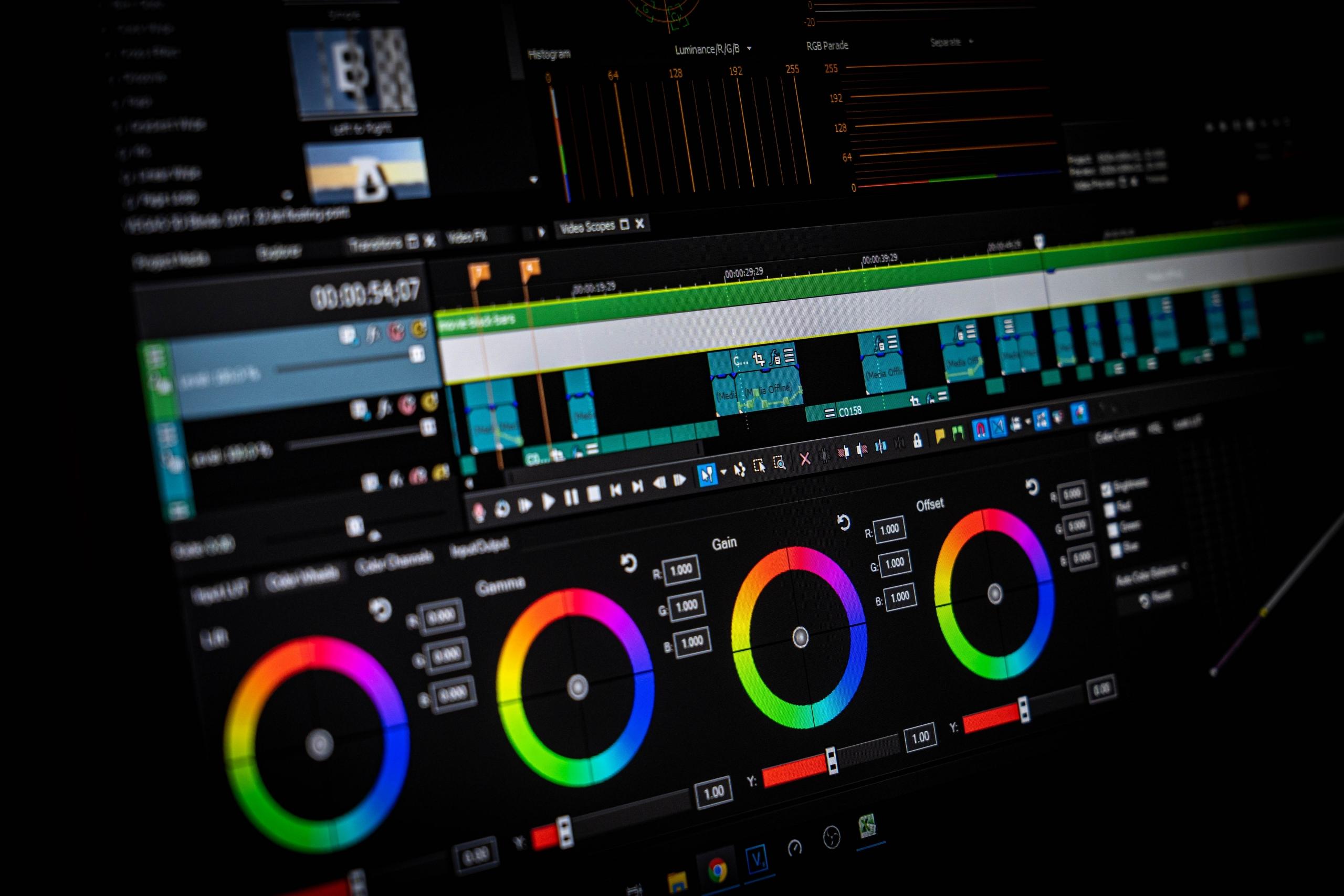
Whether you finally decide to start learning photo editing and the fundamentals of photoshop with software such as Adobe Photoshop or Adobe Lightroom, there's one key to success that will greatly help you along the way: the assistance of a private tutor.
Private photoshop tutors know photo editing software very well. They use their years of experience to instruct curious students about the trade tricks more efficiently.
Personal tuition is excellent since private tutors offer a personalised approach to the subject matter that is tailormade to the student's unique needs in question. Also, professional photoshop tutors provide practical suggestions to students that they would not hear or receive anywhere else; genuinely marvellous!
But, where can persons across the United Kingdom find equally professional and experienced tutors in the UK? The answer is simple: Superprof. With more than 17 million tutors that are part of the Superprof tutoring community and specialising in teaching more than 1000 academic disciplines and topics of interest, Supeprof is an industry leader in e-learning and private tuition.
The list below highlights some brilliant reasons why you might want to consider hiring a photoshop instructor on Superprof:
- Affordable tuition,
- An easy to use lesson booking system,
- A variety of tutors to choose from,
- The ability to choose between in-person and virtual courses.
Check out our website to see how many Superprof photoshop tutors are spread across the UK.
In conclusion, if you're still on the fence about choosing to learn between Lightroom and Photoshop, why not take the time to learn a little of both before deciding which one you would like to continue using frequently.
Summarise with AI:
Did you like this article? Leave a rating!

 Loading...
