


"Photoshop your life. Touch up the edges, adjust the tones, blur out the background, focus on yourself, and crop people out!" -Unknown
Many of the functions and principles, and uses of photoshop can be parallel with things we wish to do in the lives we currently are living. For instance, photoshop allows people to make an image look the way they always envisioned it by taking away the negative characteristics of the photo and enhancing the good parts; who wouldn't want to do the same with their life?
Nonetheless, photoshop boasts parallels with life and makes us understand the digital age we live in. Still, it's also a necessary skill that can help you find employment across many sectors.
So, without further delay, in today's article, we shall look at how beginners can photoshop and edit pictures by following a few essential tips. Let's get started!


Which Photoshop is Best for Beginners?
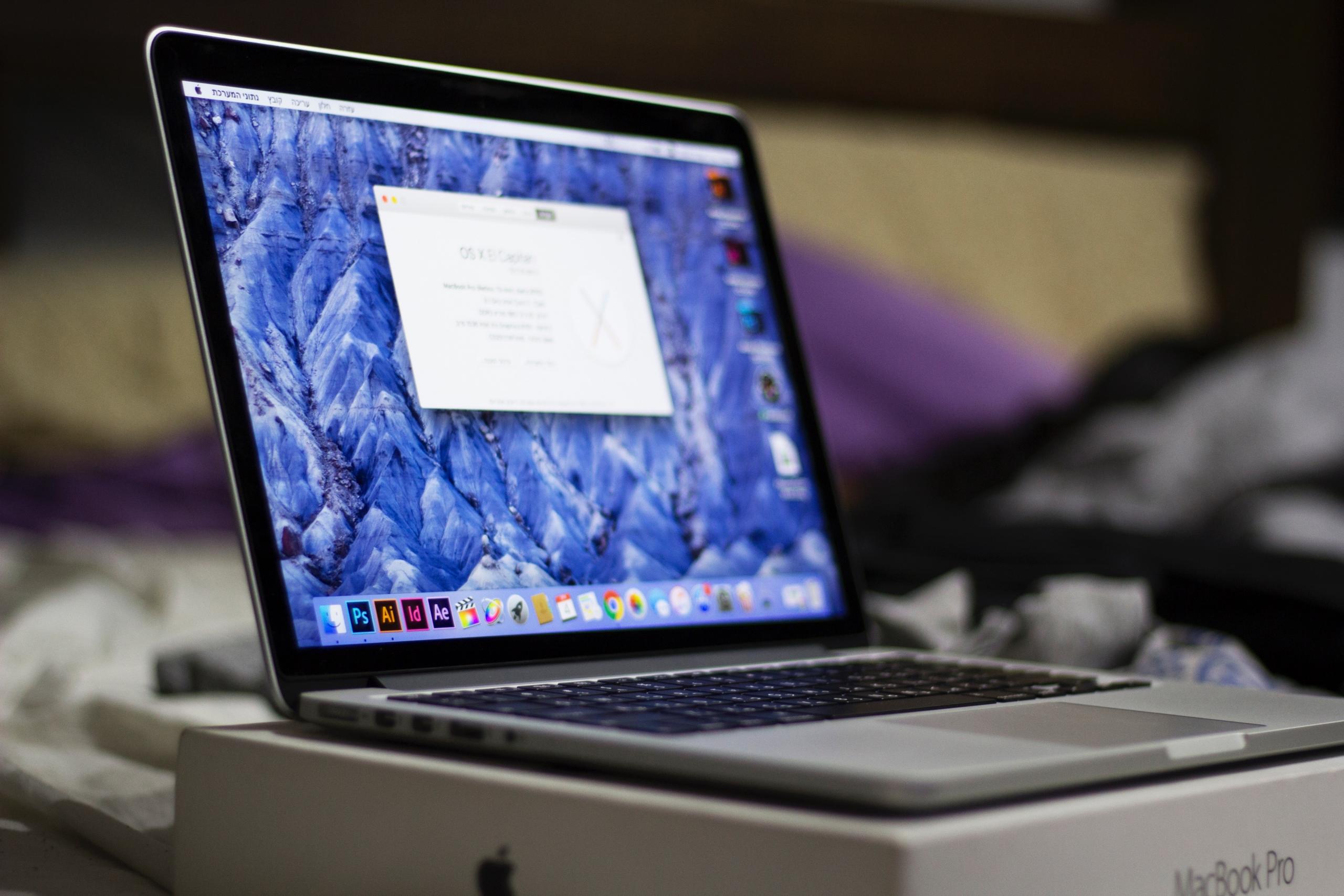
Are you a complete beginner with no previous experience editing pictures? Have you only ever heard of photoshop and its practices but never actually tried it out? If so, you are considered an amateur who's on the brink of learning something truly remarkable and frequently used in today's world.
However, since there are so many software systems and programs specialising in photoshop and picture editing, a beginner might not know where to start. So, which photoshop program is best for beginners? According to recent data and research, it has been found that Adobe Photoshop Elements is the most tailormade choice for starters. Why's that?
Well, it's a perfect software system for beginner to intermediate photoshop learners since it's a more simplified and straightforward version of the original Adobe Photoshop program. In addition, Adobe Photoshop Elements has all of the necessary features to help amateurs learn essential functions such as organising, editing, and sharing photos that have been altered.
The Fast Edit feature of Elements is fantastic for starters since it assists them when completing and employing techniques such as red-eye reduction, cropping, adding text, and applying frames.
Take a look at some well-written guides in magazines and books about using Adobe Photoshop Elements. Additionally, plenty of YouTube tutorials explains the fundamentals of using Adobe Photoshop products.
Nevertheless, it's worth stating that although Adobe Photoshop Elements is best suited for beginners, some novice learners go straight for more recognisable photo editing programs such as Lightroom and Photoshop from Adobe Inc.
A Five-Step Guide for Beginners About How to Edit Photos in Photoshop
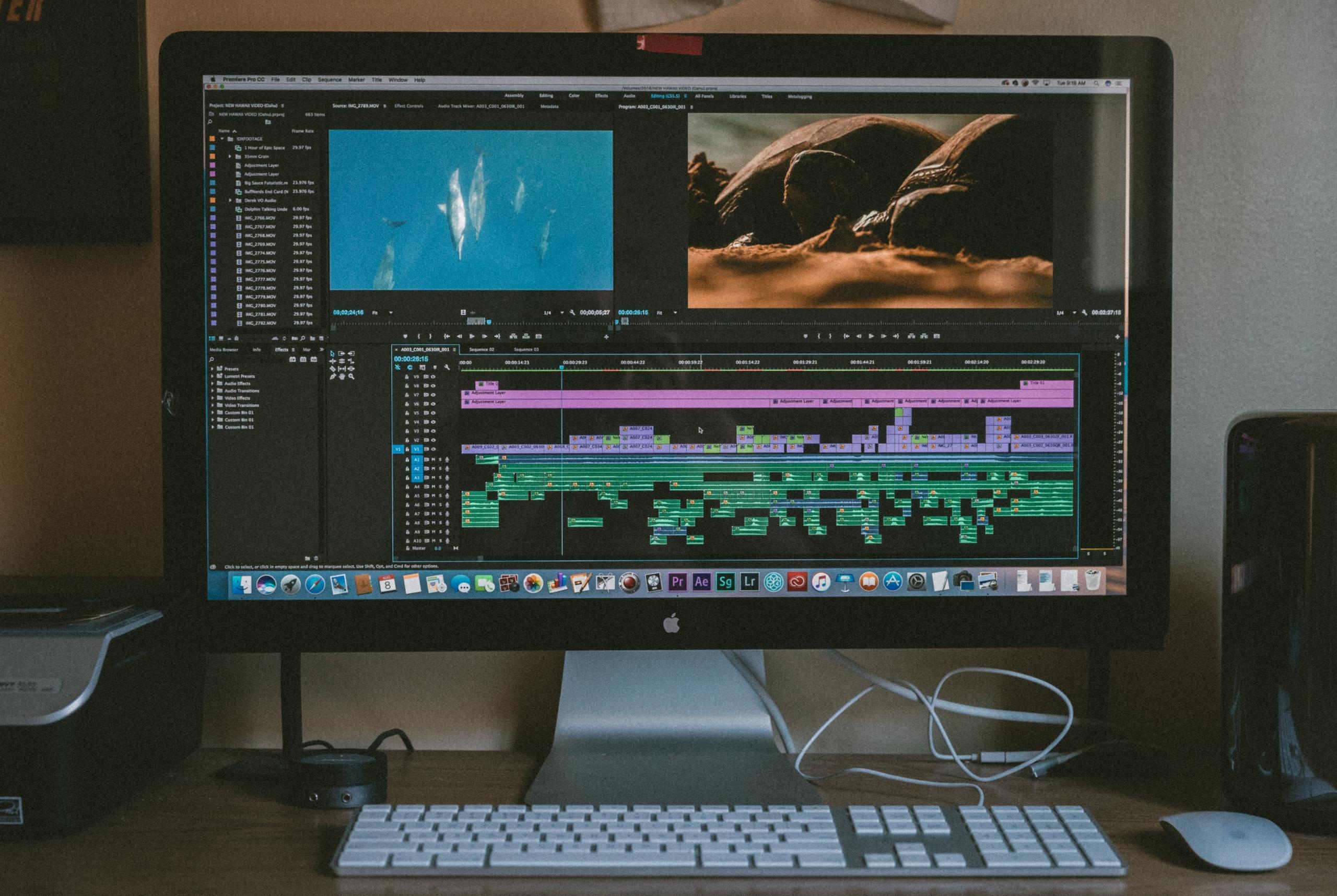
Do you want to start honing your photoshop skills but, as a beginner, feel intimidated and confused about how to start? If so, it's worth stating that that is an entirely normal feeling. Whenever we embark on a new learning adventure, we may feel insignificant and overwhelmed by the wide variety of options in front of us.
However, did you know that there are many photoshop guides available on the internet that greatly equip beginners with the skills they need? Let's take a look at a five-step instruction guide about how novice photo editing enthusiasts can manipulate images on Adobe Photoshop.
Crop the Image to Improve Composition
Before anything else is done, you'll want to learn how to crop images on Adobe Photoshop since it is the first step of the process. Cropping can remove unnecessary objects from the frame and allow the viewer to focus more fully on the stunning subject of the image.
The following are a few steps about how you can use the crop function on Adobe Photoshop:
- First, select the crop tool from the toolbox.
- Next, select your desired aspect ratio and choose from Unconstrained, Original Ratio, or any Preset options.
- Drag the corners or the edges of the photo to achieve your desired crop.
- Finally, press Enter or click the check icon to finalise the crop.
Fix the Exposure of the Image
Even if you're a talented photographer with years of experience in your domain, you may still struggle to get the correct exposure of your subject; that's when photoshop saves the day!
The exposure of a subject can be toyed with slightly by using tools such as brightness/contrast, levels, curves, exposure, shadows/highlights, HDR toning. If you're a beginner, we recommend playing around with these Adobe Photoshop tools so that you can get an idea of how things work.
Adjust the Colour
Using the white balance function available on most professional cameras, you won't need to adjust the colour too much. Nonetheless, sometimes it's necessary to fix the colours in a picture to make it stand out more. The proper adjustment of colour can make ordinary images look super vibrant.
On the Adobe Photoshop software, there is the option to use Colour Balance or Selective Colour to adjust the vibrancy of images. Without further delay, the following steps are how you can utilise Colour Balance on Adobe:
- Click on Image in the Menu Bar, click on Adjustments, then click Colour Balance,
- Select which tones in the image you want to change,
- Check the Preserve Luminosity box,
- Check the Preview box to see your adjustments,
- Move the sliders to achieve your desired colour balance.
You may start with Colour Balance before working your way up to utilising Selective Colour, Dodge, and Burn tools that work wonders on the colours seen in an image.
Remove All the Unwanted Spots in the Picture
After taking a great picture, have you ever been annoyed by the specks of dust or unwanted spots? If so, you'll love the function of removing unwanted elements from a picture using Adobe Photoshop.
The following tools are part of Adobe Photoshop and can help clear up a cluttered picture:
- Spot Healing Brush Tool,
- Healing Brush Tool,
- Patch Tool,
- Clone Stamp.
Try utilising any of the previously mentioned tools on a photo you want to clean up, and you will slowly feel more at ease with the overall functions of Adobe Photoshop; practice makes perfect!
Apply Filters
Even if you're not familiar with Adobe Photoshop or photo editing, you've most likely heard of filters. Persons can apply both sharpening or blurring filters to an image to make it stand out. So you could say that the primary goal of filters is to sharpen an idea and make it look more striking.
The following are a few steps on how to sharpen an image using Adobe Photoshop:
- Reduce the noise in your image,
- Create a new layer of the same image,
- Go to Filter, Sharpen, and select any of the Sharpening tools to apply a sharpening filter,
- Repeat the previously mentioned steps if necessary.
In all of the previously mentioned steps, we used Adobe Photoshop as an example since it is the gold standard in the sector of photoshop and image manipulation. Also, although we could mention more steps for beginners who are learning photoshop, we are confident that the five previously mentioned suggestions will lead new ones in the right direction.
Are you still feeling a bit uneasy about starting a photoshop project on your own? There's no need to worry since you can quickly seek out the help of a private tutor. Learn more in the following subheading.
Hiring a Private Tutor to Learn More About Photoshopping Pictures
While implementing the previously mentioned ten-step guide and closely following it will be of great assistance when you are learning to photoshop pictures for the first time, it's worth pointing out that there is a critical element of success that all of us should take advantage of and that is a personal tutor.
Private photoshop tuition is fantastic since you receive a personalised approach to the learning process. Great tips and tricks from the tutors are granted to students that they would not obtain anywhere else. Also, it's worth mentioning that to best fit your lifestyle, private tutoring can be done either in person or online.
But, where does one find an experienced and accredited personal photoshop instructor in the UK? Look no further than Superprof. With more than 17 million instructors around the world teaching 1000+ academic disciplines and topics of interest, Superprof is a giant in the sectors of private tutoring and e-learning.
According to our latest search, there are currently 241 eager and engaging photoshop tutors located across towns and cities in the United Kingdom. The following are some of the best reasons to hire a photoshop teacher on Superprof:
- Affordable tuition,
- An easy to use lesson booking system,
- A variety of talented instructors to choose from,
- The ability to choose between virtual and face-to-face classes.
Classes are priced between £10-60 per hour, depending on the experience and education of the tutor. Also, a bonus of hiring a Superprof is that the first lesson with most tutors is 100% free of charge.
In conclusion, learning to edit photos on photoshop has never been so easy, thanks to the outstanding resources out there and the abundance of advice on making things work, like the suggestions in today's article. Happy editing!
Summarise with AI:
Did you like this article? Leave a rating!

 Loading...
