
"Photoshop makes things look beautiful just as you have special effects in movies. It's just a part of life." -Erin Heatherton
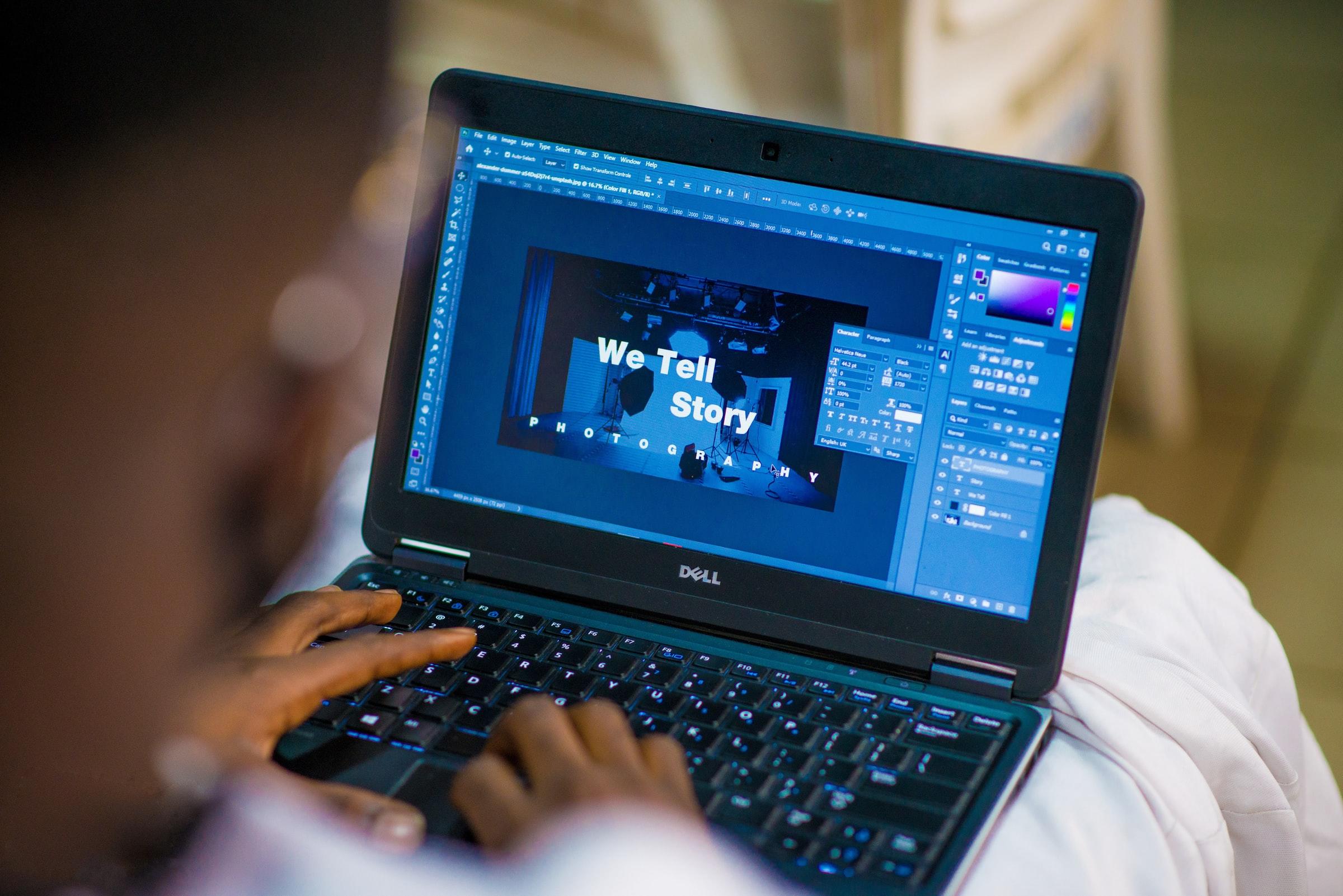
Do you ever look back at older pictures from the past and wonder why they don't look as glamourous and flashy as those posted today? Well, that's because so many people worldwide now use Photoshop. Through photoshop methods, an original photograph or a person or place can end up looking completely different from when it was first taken, naturally.
Photoshop is one of the three critical aspects of modern photography, along with sound equipment and fantastic lighting.
Photoshop or photo altering projects are completed using software systems produced by reputable companies such as Adobe. Nonetheless, many are unfamiliar with certain aspects of photoshop and may ask themselves the following questions:
- How does one use photoshop software?
- Does a person need to take photoshop classes to edit pictures?
- How does an individual learn the fundamentals of photoshop?
- How do I become a photoshop expert?
Well, you've come to the right place because, in today's article, we are going to answer all the previous questions and more by exploring the intriguing world of photoshop!


Photoshop Lessons in the UK
The first thing you'll want to do on your quest to become a photoshop expert is to look for classes that can be taken nearby your place of residence or online. Nonetheless, thanks to the internet, there are many options available. Such as? The list below highlights a few of the best places to learn photoshop:
- Adobe Photoshop Tutorials: before purchasing an Adobe programme such as Photoshop or Lightroom, Adobe Inc. has graciously offered photoshop enthusiasts an opportunity to learn for free by consulting one of their tutorials. In the learning tutorials, photoshop students become familiar with the necessary techniques and work on their skills.
- Udemy: boasting so many affordable short-term photoshop courses, Udemy is a brilliant resource for those who want to master the fundamentals of photo editing on their own time.
- Photoshop Cafe: featuring a lot of educational content, Photoshop Cafe has video lessons about photoshop methods and techniques worth looking at.
Also, while some may have thought it was impossible, you can teach yourself the basics of photoshop by heeding well-thought advice from others. Such as? Knowing the photoshop workspace, you are utilising, picking one tool at a time, and learning from the experience of others.
Another excellent learning pathway that more people should resort to is seeking the advice of a private photoshop tutor. Private photoshop tutoring is perfect since you have one-on-one lessons with a tutor crafting tailormade lessons for you. In addition, Photoshop instructors with experience can offer tips and tricks about using the techniques and functions of photoshop software such as filters, blending modes, shadows, and highlighting tools.
We remarkably suggest looking at the Superprof site to find a photoshop or photography tutor to help you improve your digital editing abilities.
How Much Do Photoshop Lessons Cost?
Even though learning photoshop is an excellent idea for a variety of reasons, such as the many job opportunities, it's a creative outlet, and there is the possibility to supplement your income, it's wise to think about how much lessons or courses will cost you before you get started.
Firstly, it's worth stating that self-taught or self-guided courses that touch on photoshop principles are top-rated and can set learners back a few hundred pounds for a short-term programme. For instance, photoshop courses on Udemy or Phlearn are priced between £100-300; some systems cost more or less. Also, some photoshop learning programmes are free.
But what about downloading Adobe software to teach yourself? Adobe Photoshop, the most popular photoshop software system, is currently priced at £240 per year or £30 each month. So whether you take courses or teach yourself, you'll have to invest in software so that you can complete your projects.
Secondly, in recent years, learning new skills and hobbies, such as photoshop, has been completed online via private tutoring from educators on virtual tutoring community websites. Based on data from reputable UK tutoring sites, you can expect to pay anywhere from £10-60 per hour for private photoshop tuition. That price is based on the type of training you need or the experience and accreditations of your tutor.
Try consulting the Superprof site to find brilliant photoshop tutors that will be happy to teach you more about photo editing.
What is Adobe Illustrator vs Photoshop?
Before we complete a head to head comparison of Adobe Illustrator and Adobe Photoshop, it's worth getting to know each product to see what they can accomplish in the world of photoshop.
Firstly, Adobe Illustrator was released in 1987 and is part of the Adobe Creative Cloud products. With Adobe Illustrator, you can design anything, anywhere. Digital creators currently use Adobe Illustrator to complete the following projects:
- Create logos,
- Design promotional or branded content,
- Create interesting icons,
- Make website graphics,
- Design digital artwork.
Users of Adobe Illustrator appreciate the software for its ability to draw free-hand, the advanced colour options, the layers feature, and the library of many fonts that add life to any digital creation. Adobe Illustrator is used for drawings, photoshop, and digital art projects.
Now, what about Adobe Photoshop? Adobe Photoshop was released a few years after Adobe Illustrator in 1990. It is currently available in 26 international languages and is used by professionals in the following sectors:
- Photography,
- Graphic Design,
- Illustration,
- Motion Design,
- Product Design.
Adobe Photoshop can complete a wide variety of projects, yet it is preferred by many for its ability to edit photos and make them stand out as impressive and one of a kind.
After being introduced to the basics of Adobe Photoshop and Adobe Illustrator, is it possible to claim one as the winner over the other? Not necessarily, since it greatly depends on the job you are doing.
For instance, Adobe Illustrator uses vectors and is best utilised for creating clean graphical illustrations. On the other hand, Adobe Photoshop is the gold standard for adjusting photos since it uses pixels.
Therefore, you could say that it's a draw between choosing Adobe Illustrator and Adobe Photoshop! But, if you only have the budget to splurge on one software, why not consult with a photoshop tutor on Superprof to help you make a more educated decision that you feel proud of making.
Should I Learn Lightroom or Photoshop?
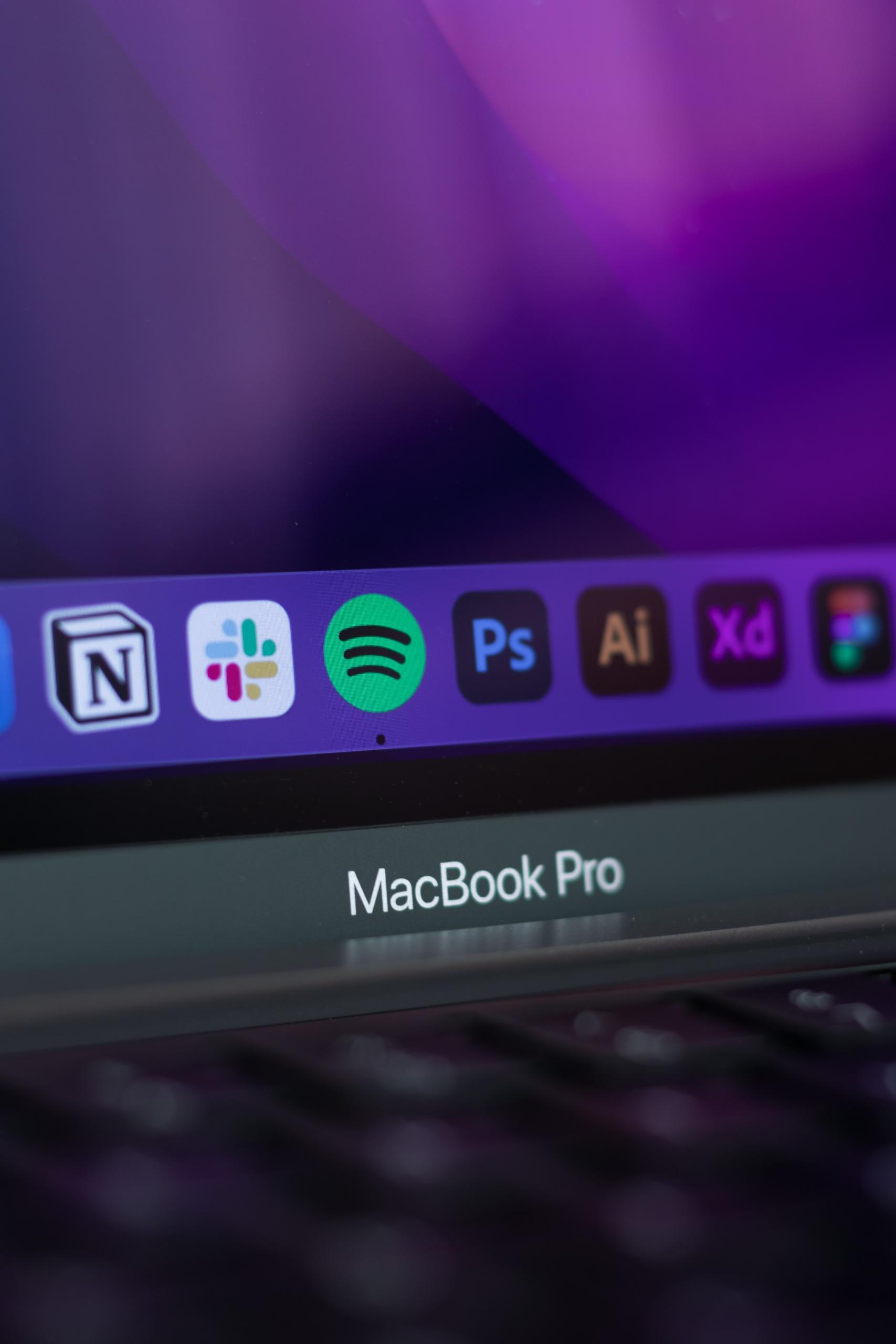
Another head-to-head comparison often discussed takes place between Adobe Lightroom and Adobe Photoshop. Users of Adobe Inc. want to know which will help them complete their assignments better.
First and foremost, Adobe Lightroom is relatively new, released in September 2017, and it dramatically helps professionals organise their photos and edit their images efficiently. Adobe Lightroom is part of the Creative Cloud family and mainly completes tasks such as importing, saving, viewing, organising, tagging, editing, and sharing.
On the other hand, we are pretty familiar with the tasks of Adobe Photoshop since it is the primary software used by experts in the sector of digital art.
And, while it is impossible to state which software is better between Adobe Lightroom and Adobe Photoshop, based on recent data, it's safe to say that Adobe Lightroom is best to learn for beginners since it has a more approachable style and the functions are more straightforward.
However, though Lightroom is best for beginners, that diminishes the overall reach and usage of Adobe Photoshop. Nevertheless, when talented photo editors or digital artists use both software programmes, they complement each other wonderfully.
Always seek advice and expertise before making any quick decision about which software you should select to accomplish your projects.
How Do I Become a Photoshop Specialist?
Do you want to become an expert at photoshop and create digital images that people will love and cherish? If so, you've come to the right place since the following list is a nine-step guide to becoming a photoshop specialist:
- Purchase Adobe Photoshop,
- Learn From Your Errors,
- Take Multiple Photoshop Classes,
- Seek the Assistance of a Personal Tutor,
- Listen to Podcasts About Photoshop and Photo editing,
- Read Photoshop Magazines and Books Regularly,
- Regularly Use Online Photoshop Tutorials,
- Learn to Use Other Photoshop Programs,
- Teach Your Photoshop Skills to Others Right Away.
By following the previously mentioned steps and taking things seriously, you're on your way to becoming a photoshop expert that is a trusted figure in the sector of digital art. Also, we can't stress enough the importance of seeing a private tutor improve your technique and get more helpful tips and tricks.
How To Photoshop a Picture?
Are you a complete beginner who needs tips and tricks to help you photoshop or edit an image? If so, you'll be happy to know that there are so many guides out there that focus on mastering the art of photoshop.
While Adobe Photoshop Elements has been proven to be the most accessible photoshop software system for beginners, the following guide features five steps that novices should implement when getting used to utilising the Adobe Photoshop system:
- Crop the Image to Improve Overall Composition,
- Fix the Exposure of the Image,
- Adjust the Colour,
- Remove All Unwanted Specs and Spots from the Picture,
- Apply Sharpening Filters.
All of the previously mentioned steps and skills can be more thoroughly learned with the help of a private photoshop tutor on Superprof.
In conclusion, after reading this article, you are more prepared than ever before to answer the question, what is photoshop? Have fun editing your pictures!
Summarise with AI:
Did you like this article? Leave a rating!

 Loading...